Free online photo frame
Camera logo & EXIF watermark frame
The popular camera watermark look: a slim bar under the photo with the camera model and lens on the left, and the brand logo, exposure settings and date on the right. The logo is picked automatically from the EXIF make.
- No upload
- No sign-up
- No watermark
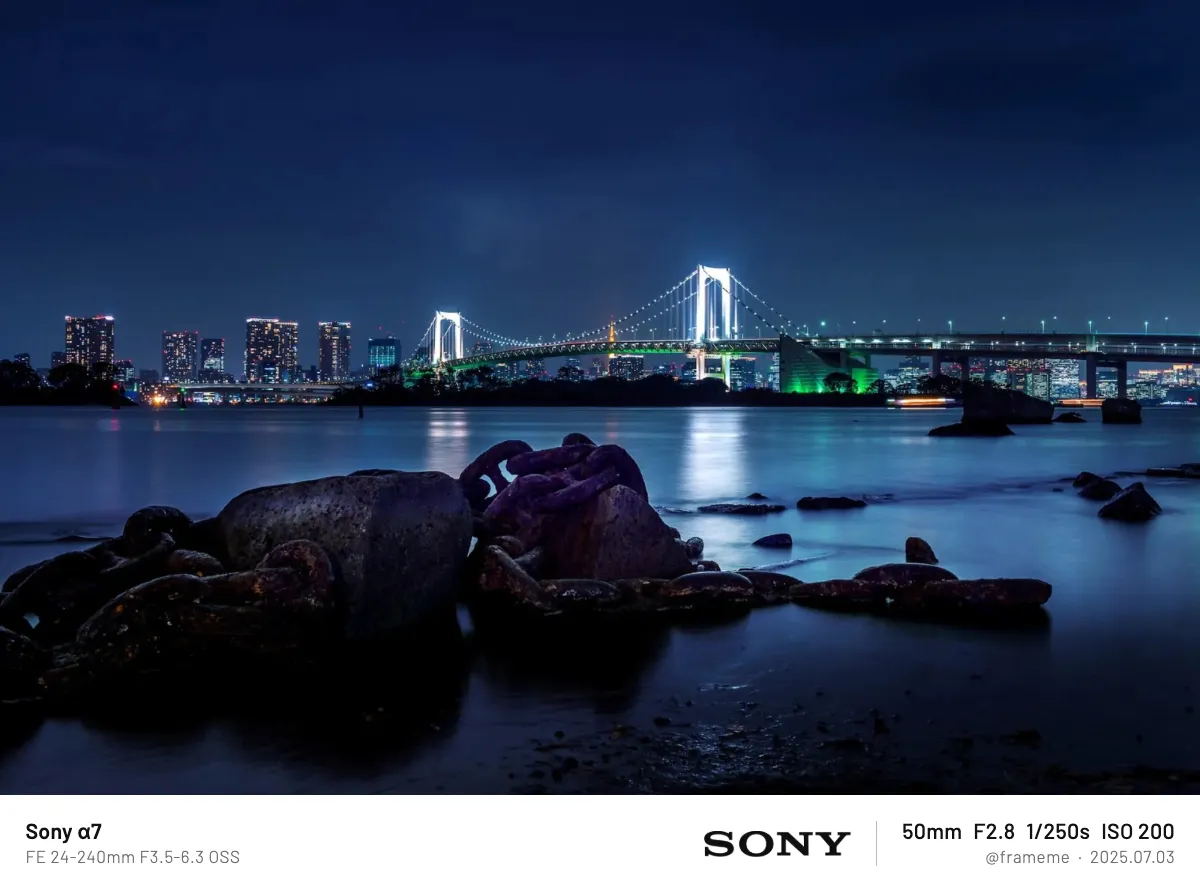
Strap
Info bars
Make the Strap frame your own
Switch to Pro mode to fine-tune every setting of this frame:
- Dark
- Brand logo
- Bottom space
- Text size
Every frame also lets you change the aspect ratio, crop, fonts, watermark and which camera details are shown.
How to add a Strap frame to a photo
-
Add your photos
Drop one photo or a hundred. JPG, HEIC, RAW, TIFF — we read the camera info straight from the file.
-
Pick a frame
Choose from 19 frame styles, set the ratio for Instagram or Stories, and tweak colors, fonts and fields.
-
Download
Export JPG, PNG, WebP or AVIF at full resolution. Batches arrive as a single ZIP.
Why frame your photos with FrameMe
-
Private by design
Photos are decoded and rendered locally. There is no server to upload to, and no account.
-
Batch & ZIP export
Frame a whole shoot at once. Apply one style to every photo and download a single ZIP.
-
Any aspect ratio
Instagram 4:5, Stories 9:16, 1:1, 3:2, 16:9 — crop to fit or keep the full photo inside.
-
Keep EXIF in the export
Camera, lens and exposure data is written back into the new file. GPS is never included.
More photo frames
See all frames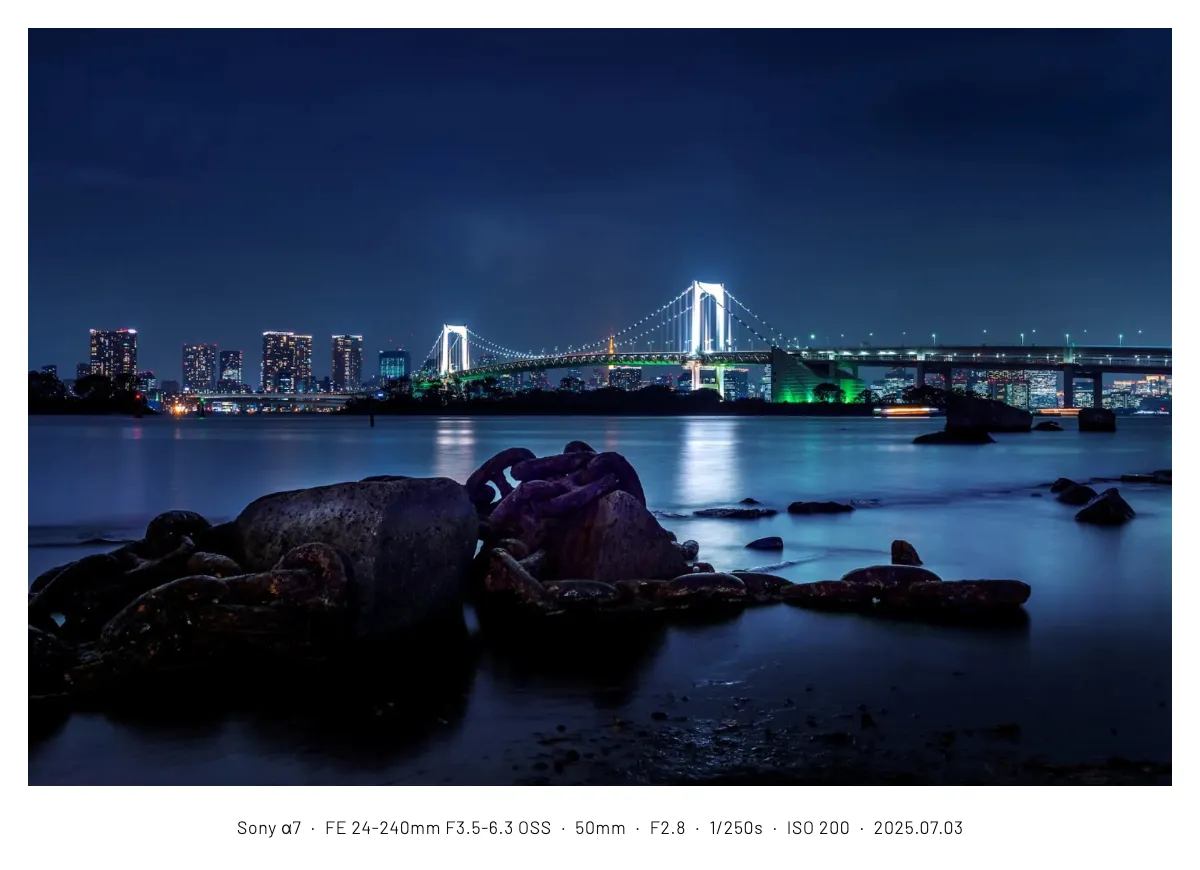
One line
A single quiet caption: camera, lens and settings.
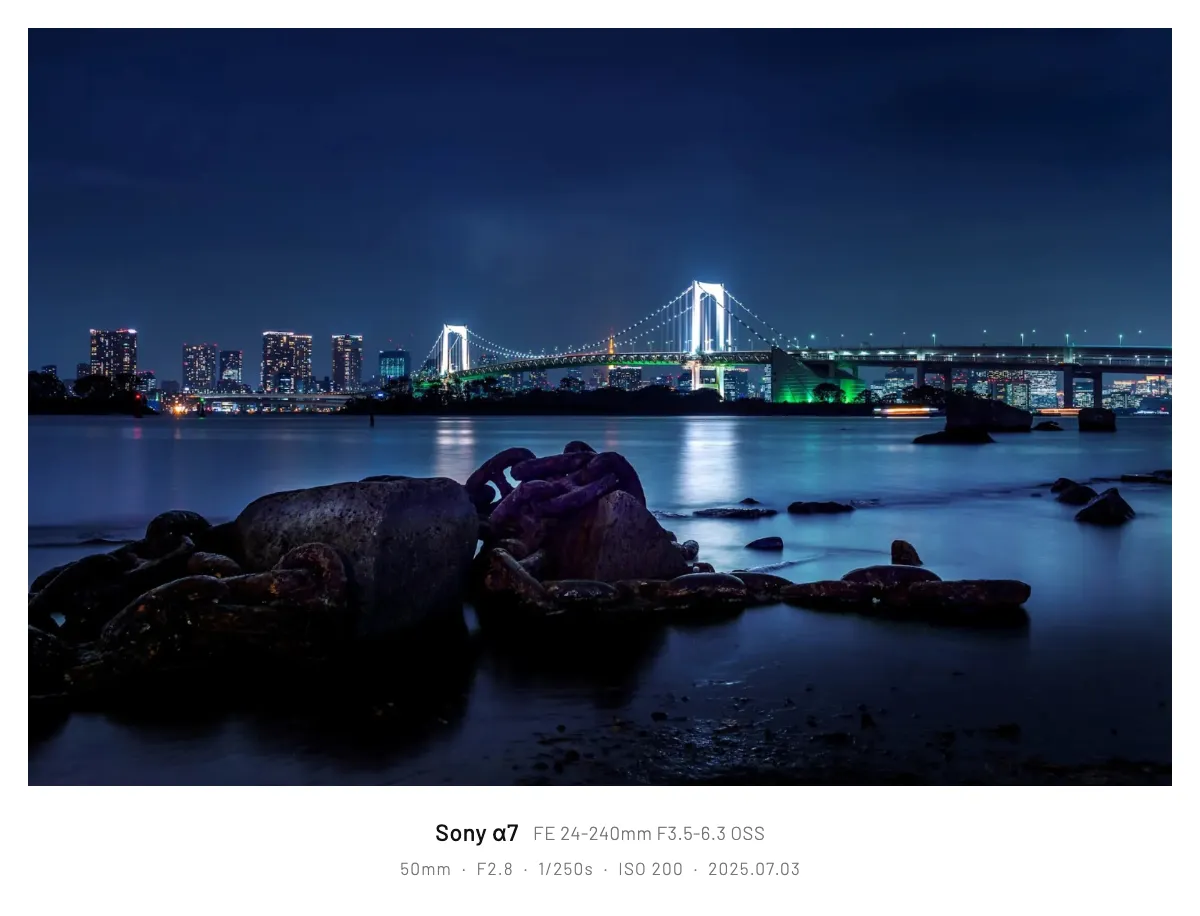
Two lines
Camera and lens on top, exposure settings underneath.
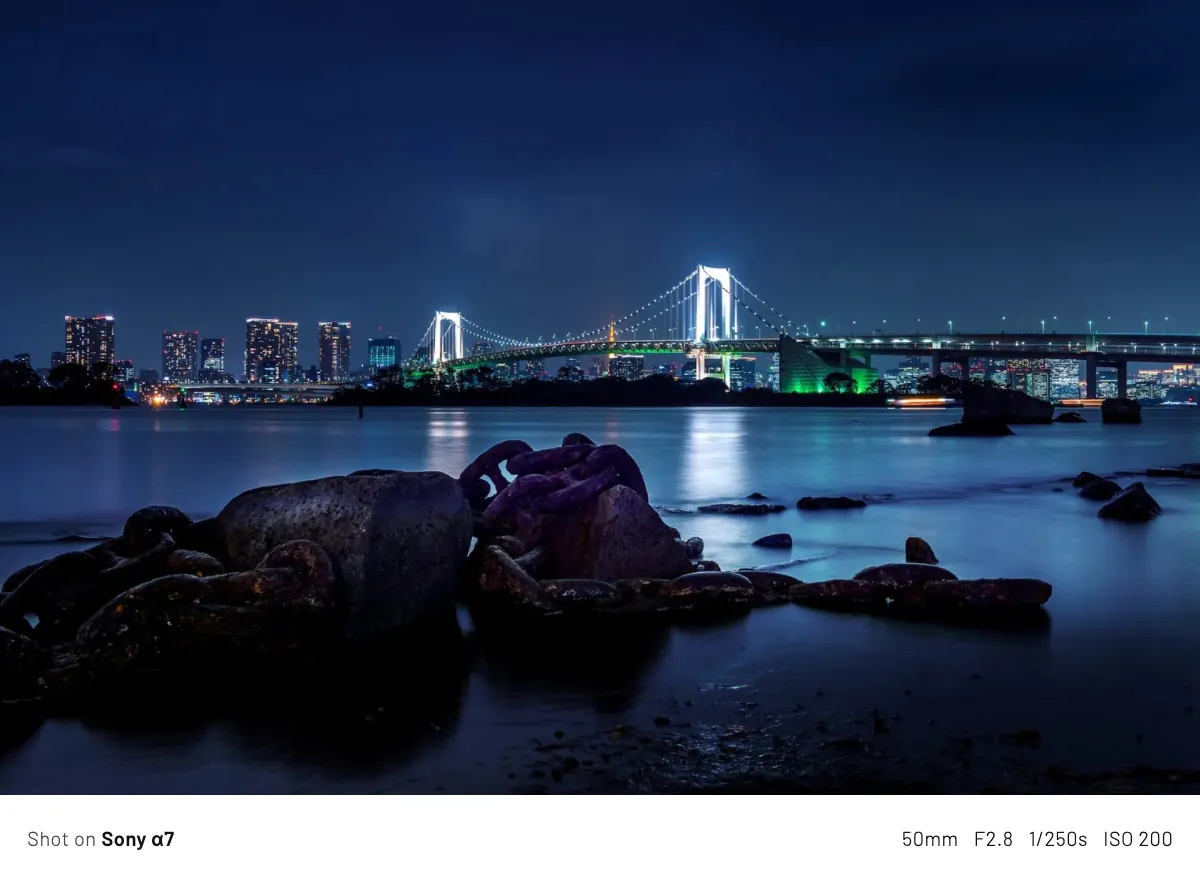
Shot on
“Shot on” camera on the left, exposure on the right.
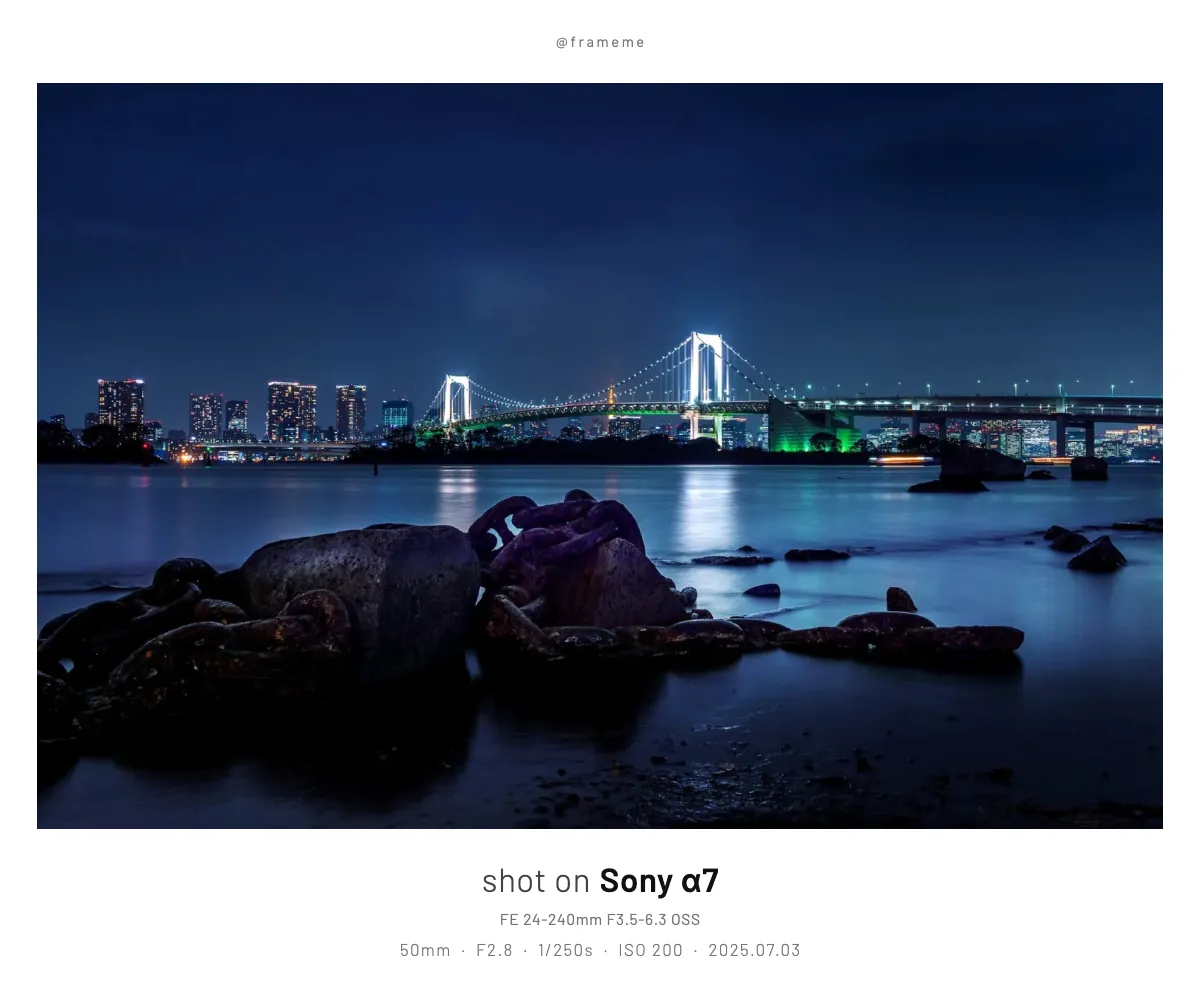
Shot on · centered
A big centered “shot on” line with your signature above.
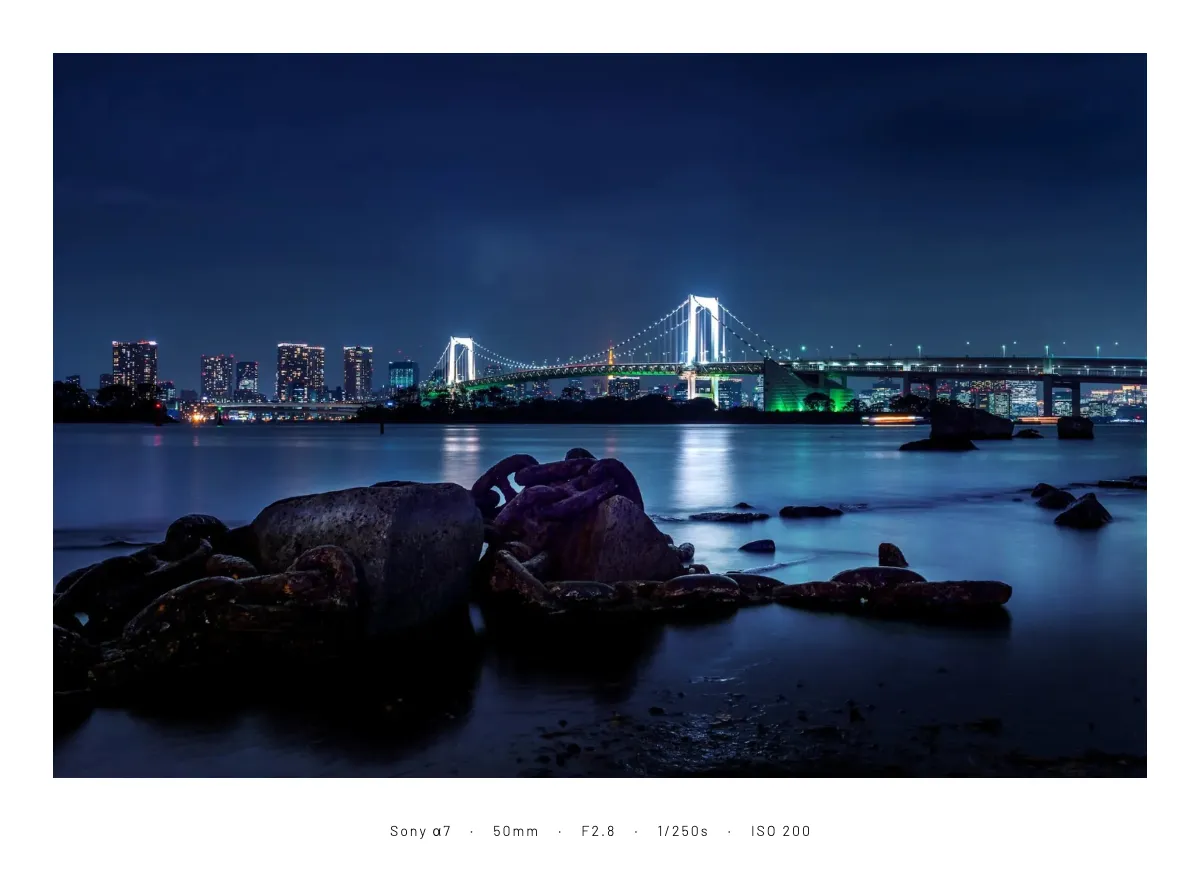
Simple
Generous margins and tiny, airy letter-spaced text.

Editorial
Magazine-style serif title with a monospaced data column.
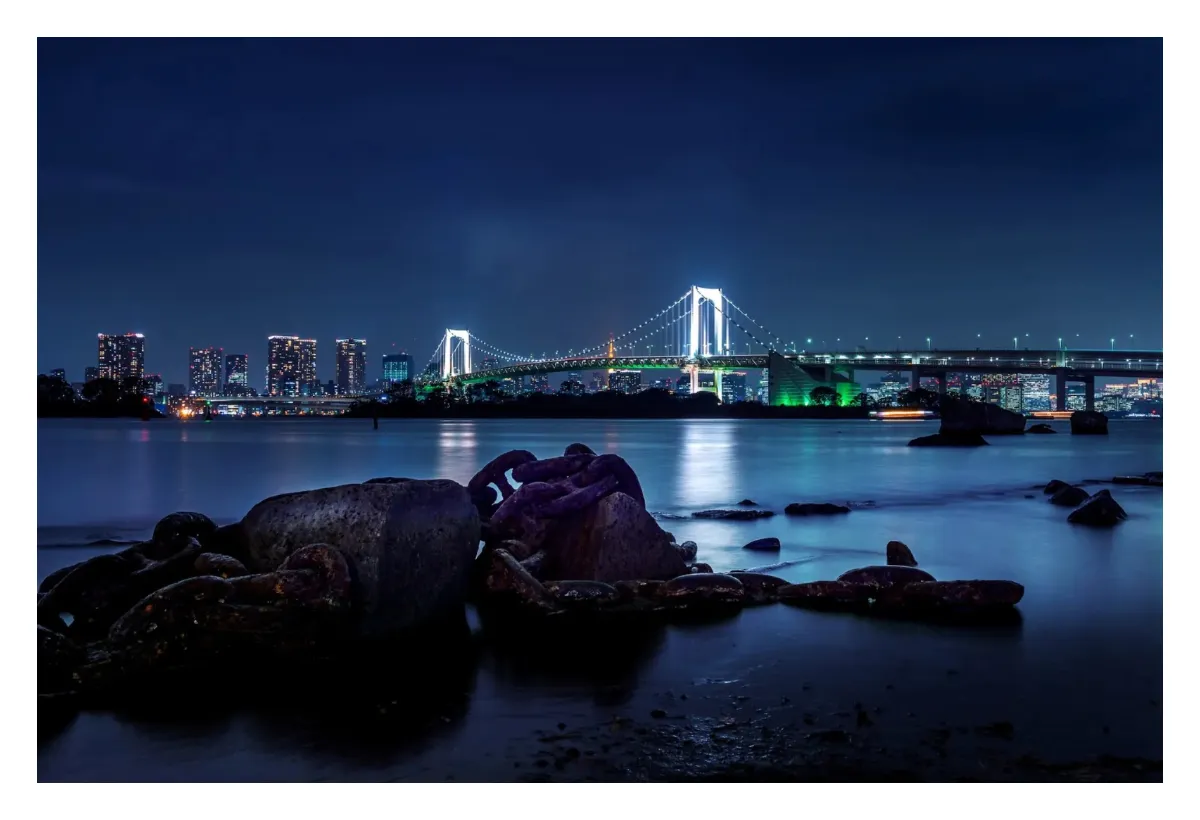
Classic border
An even border around the photo, with optional rounded corners.
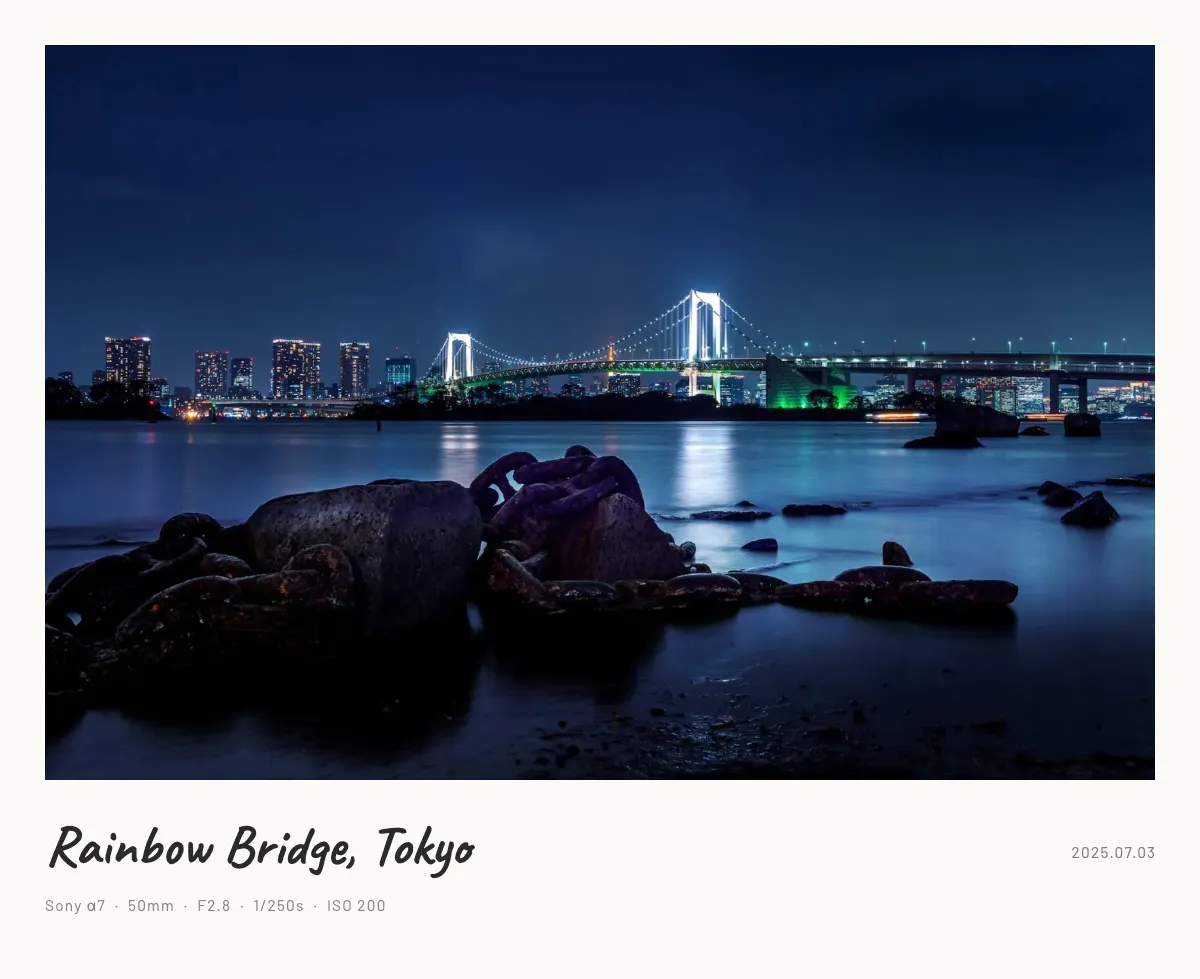
Polaroid
Instant-film look with a handwritten caption and date.
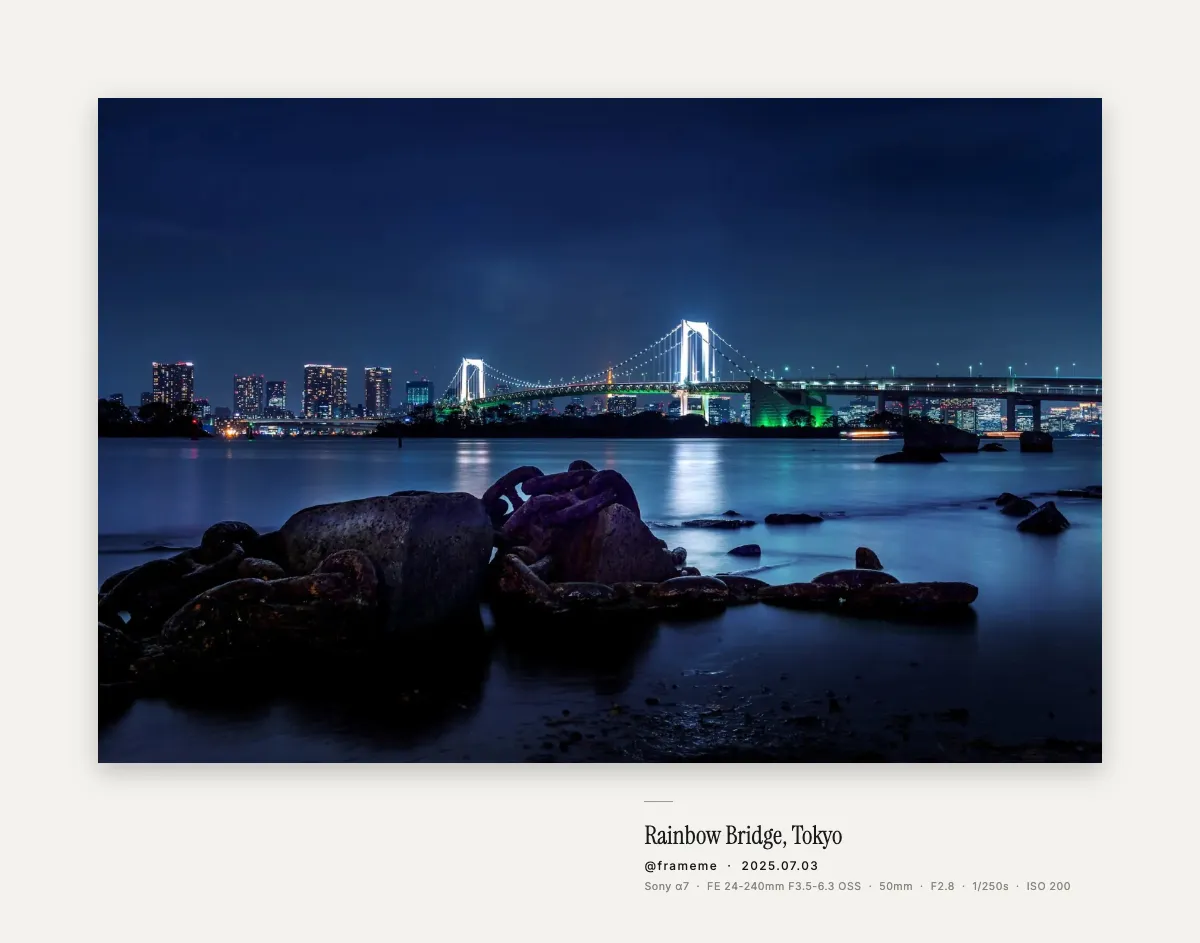
Gallery print
Wide museum margins and a small wall label with title and gear.
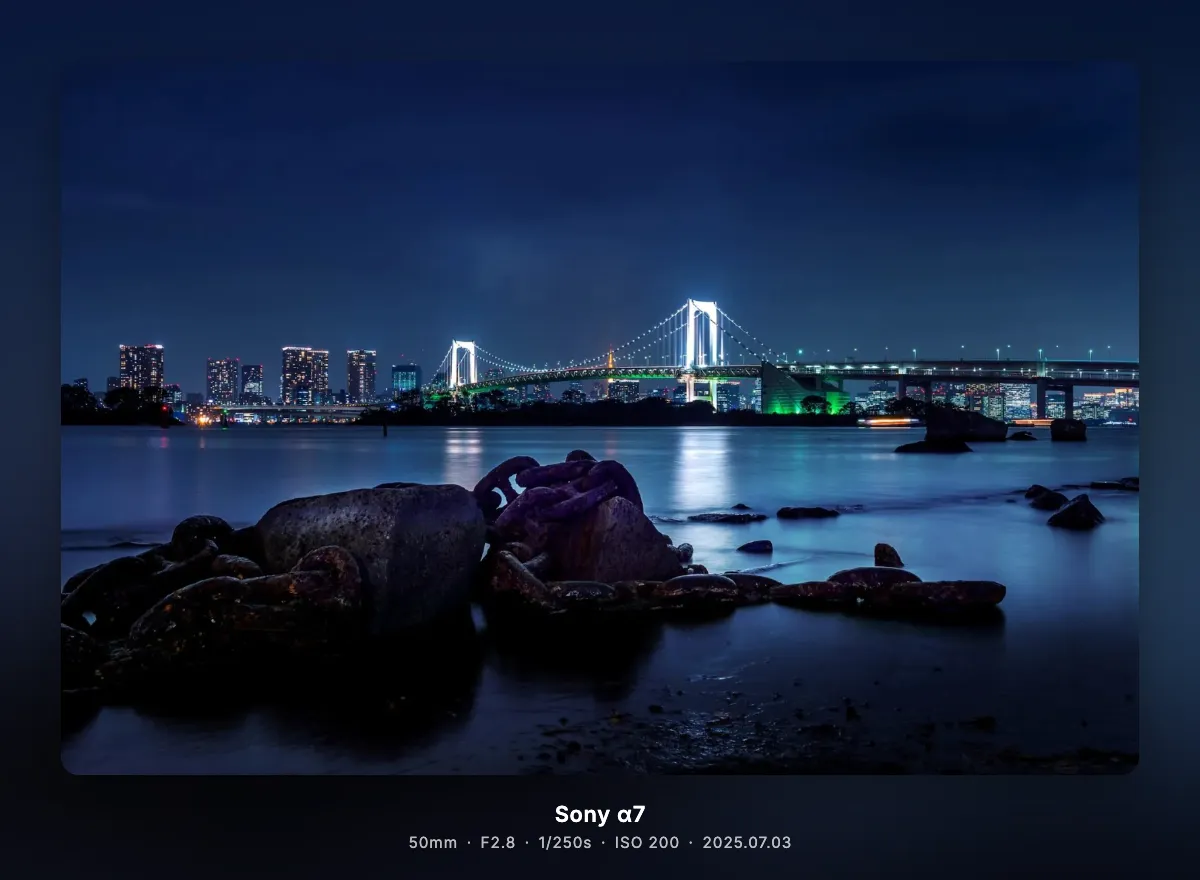
Blurred glass
Your photo floats over a softly blurred copy of itself.
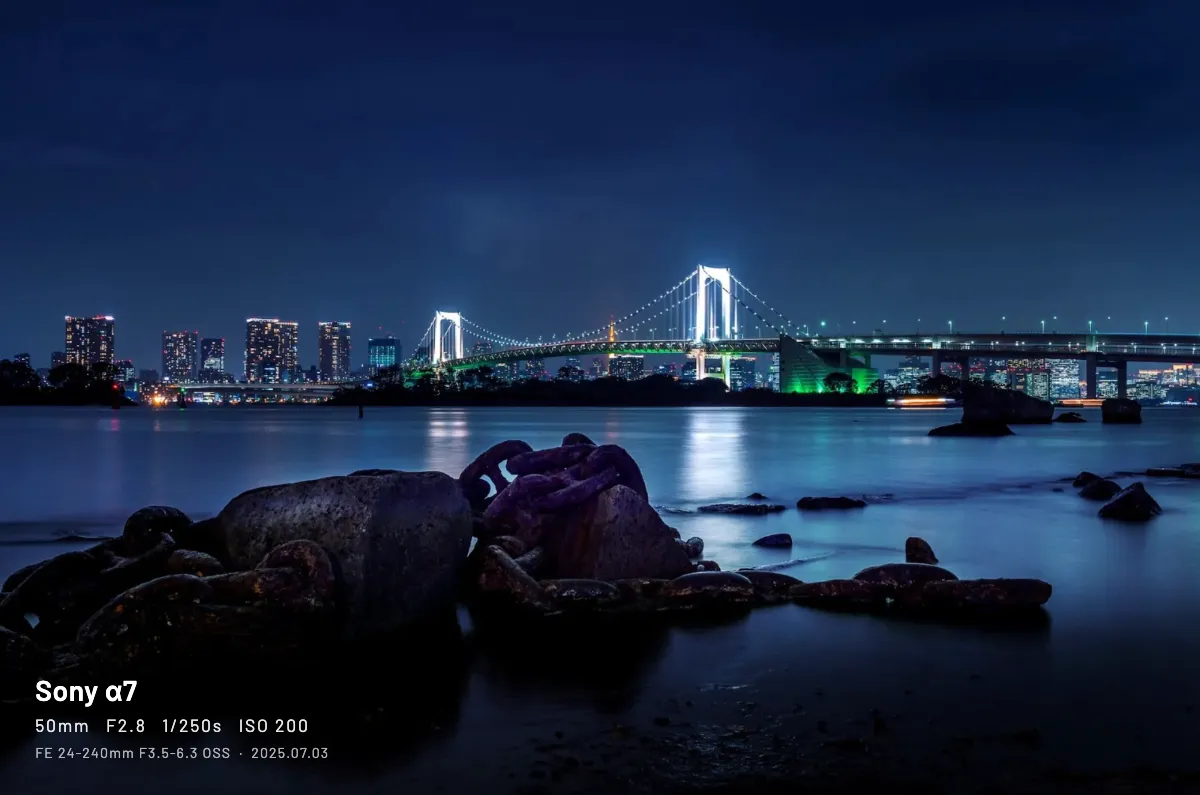
Overlay
Text on a soft gradient across the bottom of the photo.
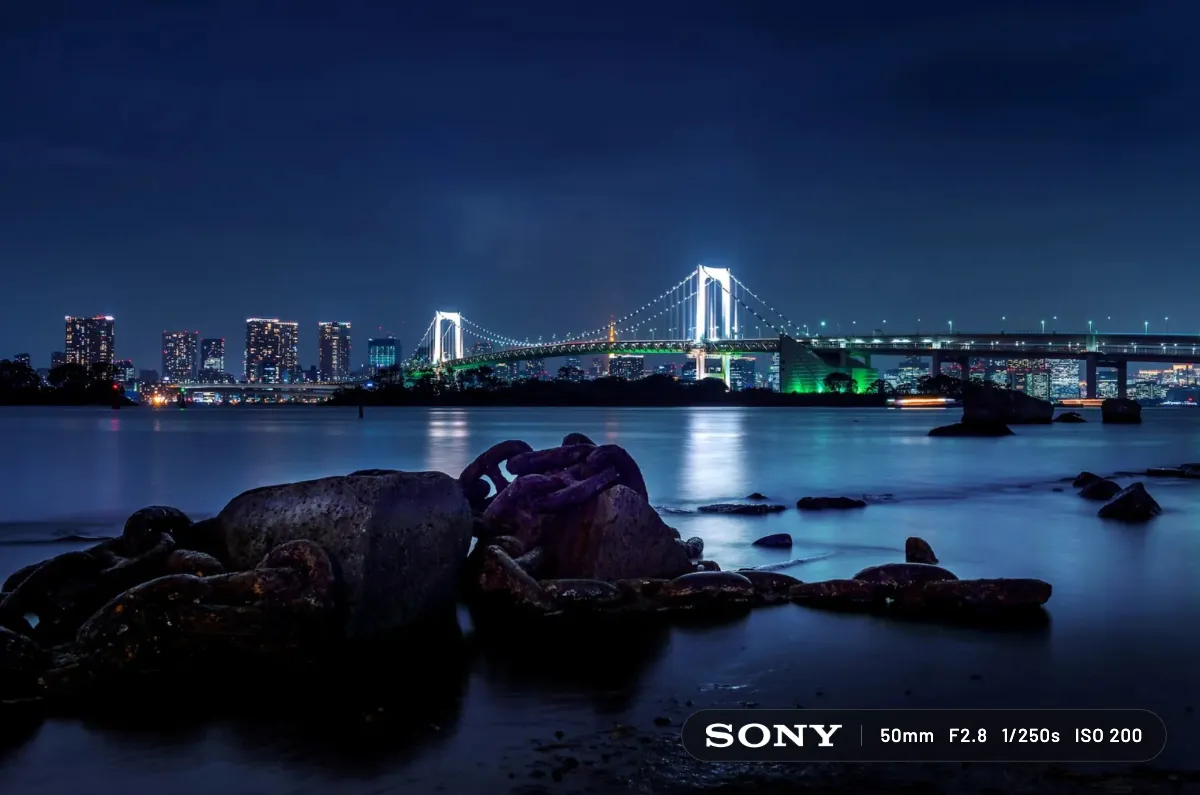
Badge
A small glass pill with the brand logo and your settings.
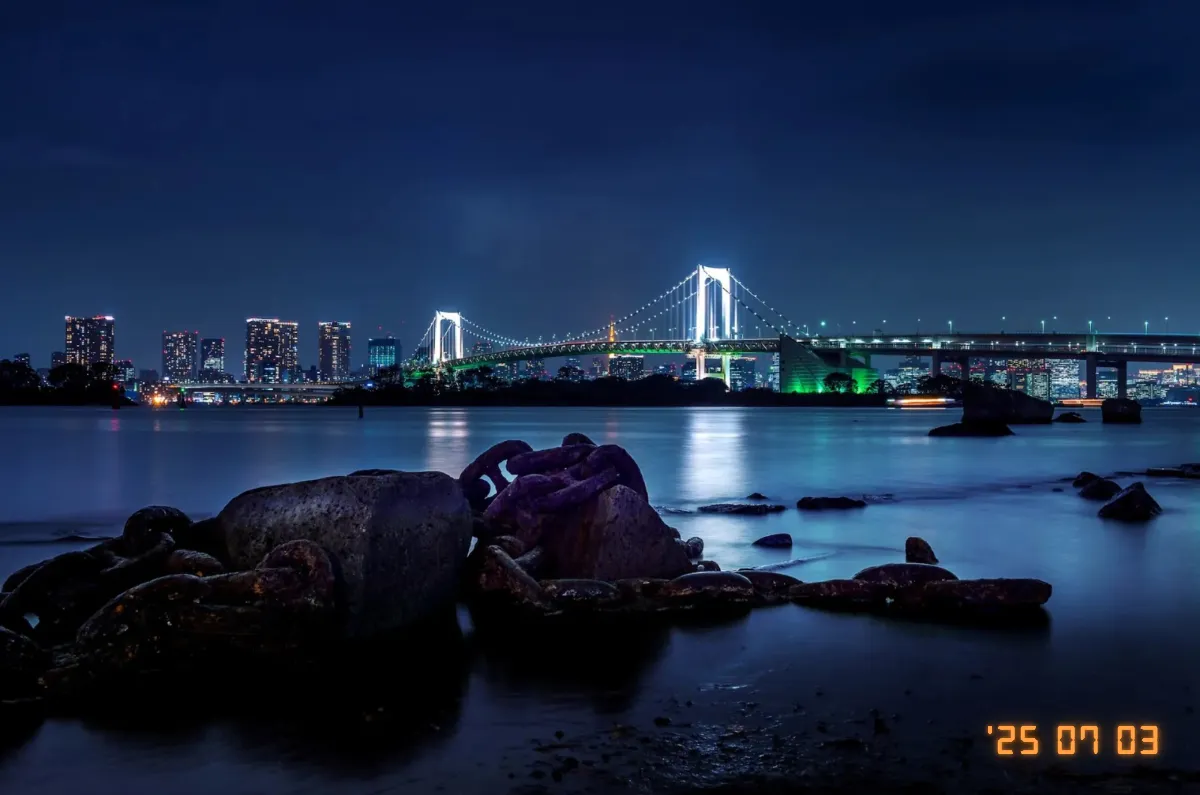
Film stamp
Orange LED date stamp like a 90s point-and-shoot.
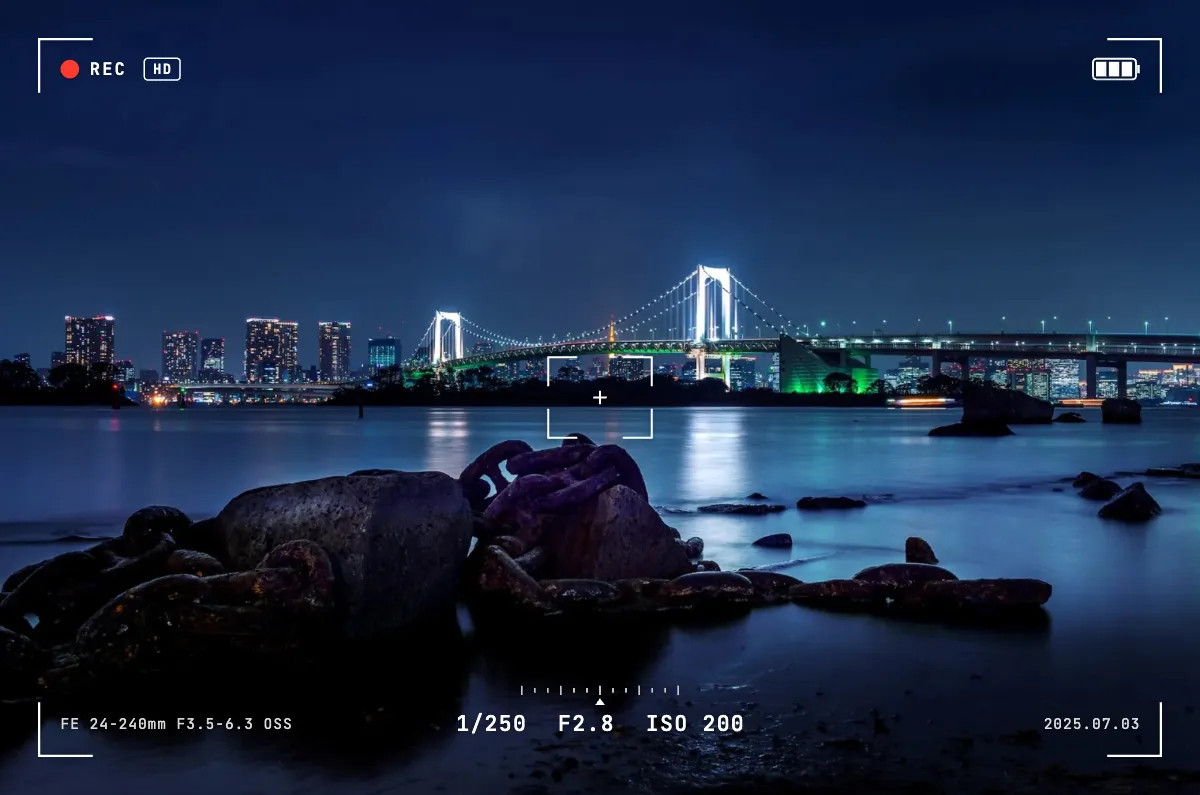
Viewfinder
Camera HUD with corner brackets, AF box and live readout.
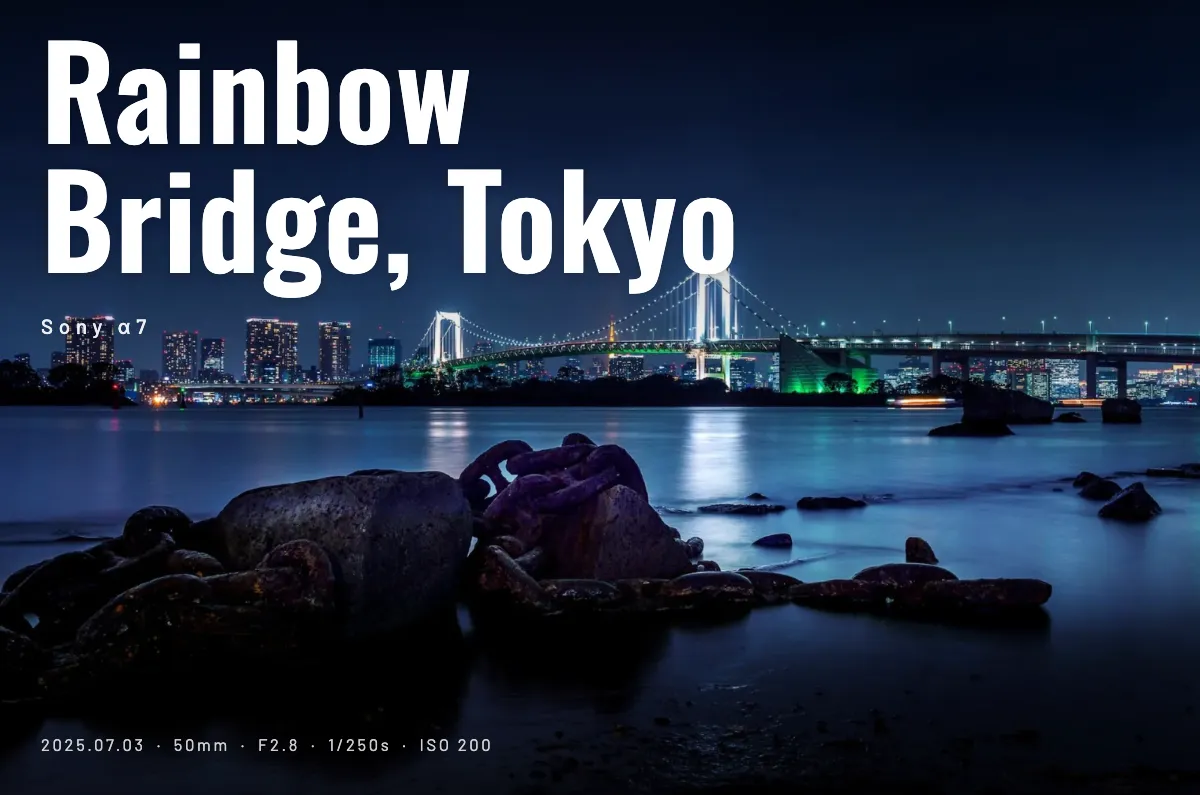
Poster
Huge condensed type over the photo, with place and date.
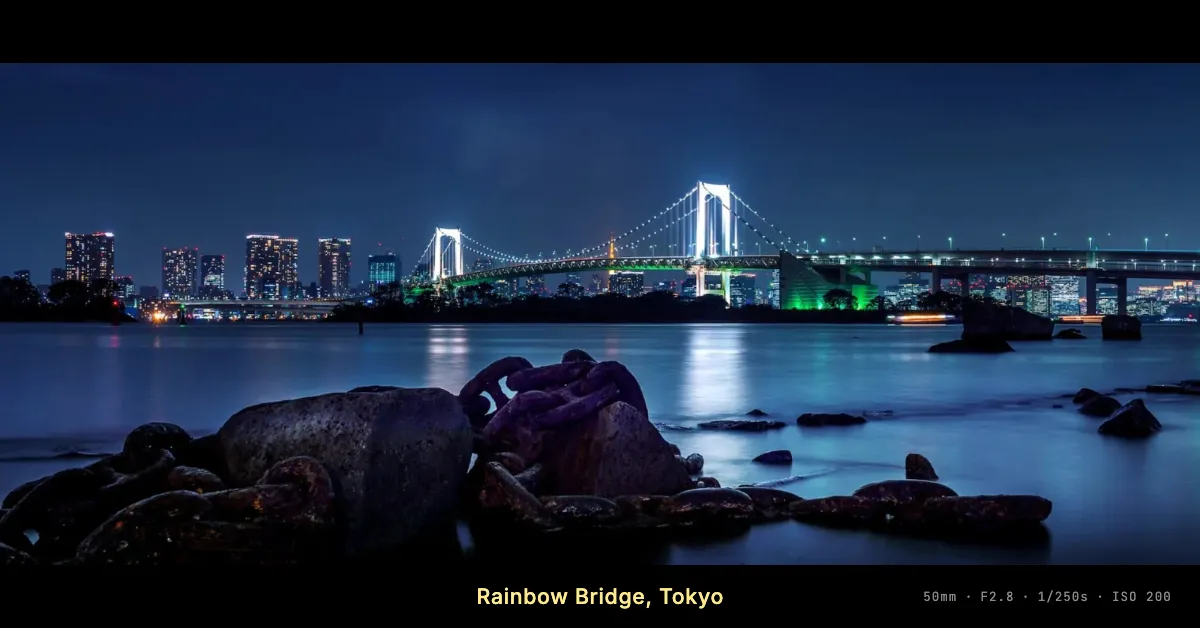
Cinema
Widescreen 2.39:1 with letterbox bars and a subtitle.
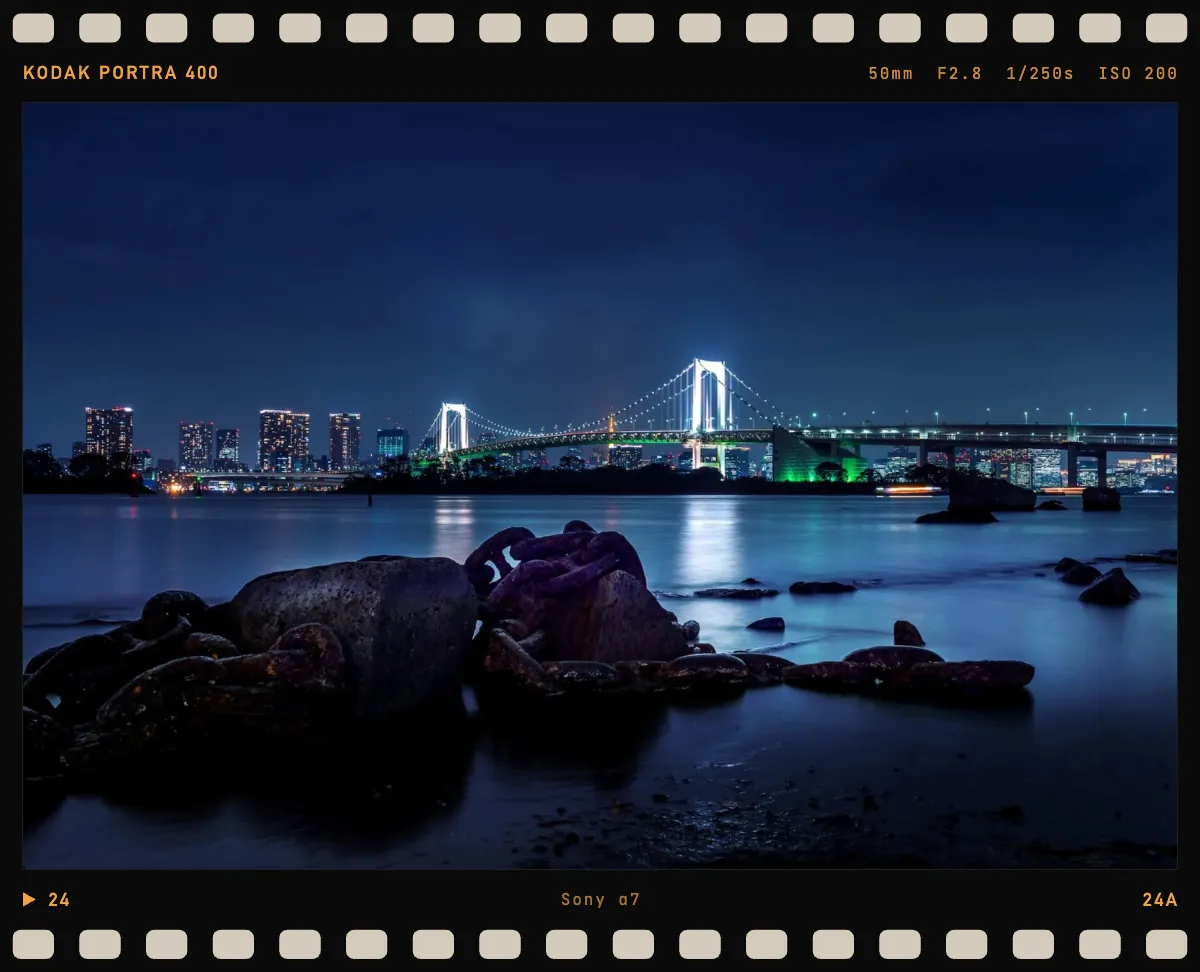
Film strip
35mm negative with sprocket holes and edge markings.
Ready to frame your next shot?
Free, private and a few seconds away. No account, no upload, no watermark.